Yellow VPN
Your next browser destination, one tap away.
View on Chrome Web Store (opens in a new tab)What it does
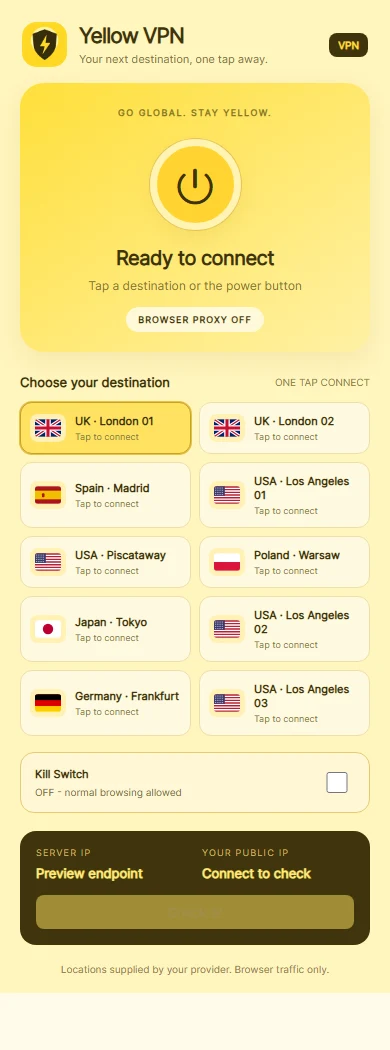
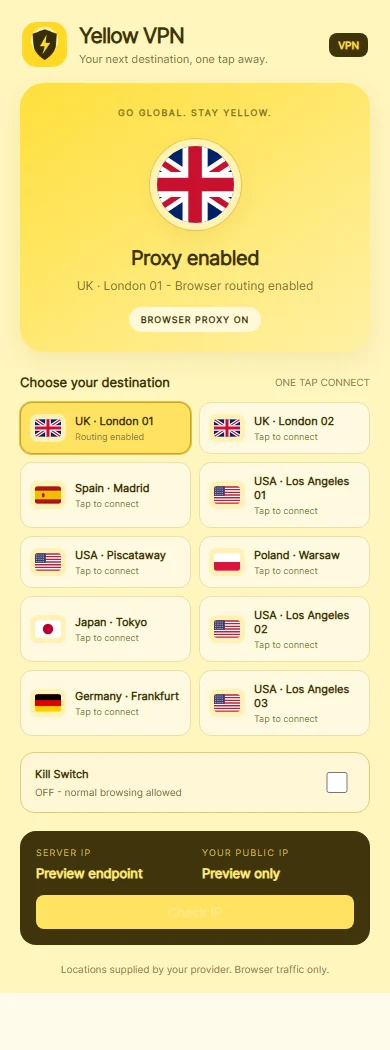
A Chrome extension for managing browser proxy connections through a yellow-themed popup. Users can select a configured server, connect or disconnect, check their public exit IP and enable a browser request-blocking Kill Switch. It controls regular Chrome browsing rather than routing every application on the computer.
Key features
- One-click server selection and switching
- Connection state and country indicators
- Public exit IP check
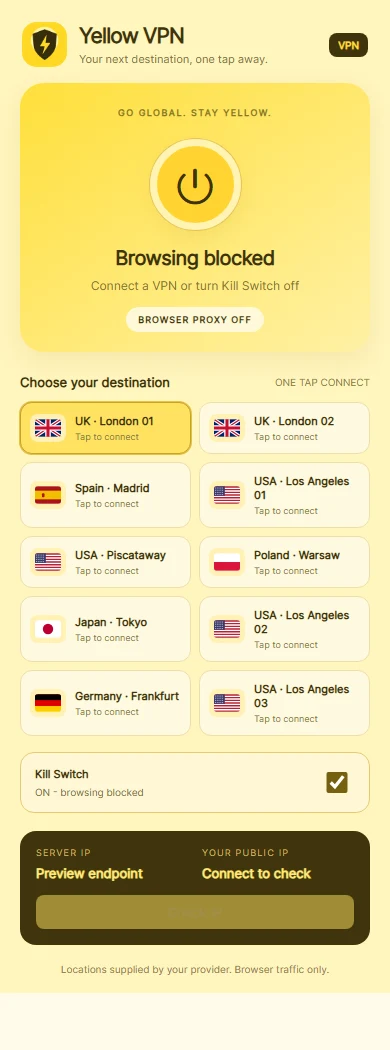
- Optional browser Kill Switch
How it works
Open the pinned extension and choose a configured server location.
Connect with the power button or a server card, then check the public exit IP to review the connection.
Switch destinations or disconnect when finished. The optional Kill Switch blocks covered browser requests while disconnected.
A closer look
Isolated previews of the extension's actual popup interface. Connection states are simulated; no real proxy addresses or credentials are shown. Server locations follow the configured provider labels. Select an image to see the full capture.
Have an idea? Let’s build it.
Tell us what you have in mind. We’ll help you find the right way forward.