Native Android / Kotlin
ReClip AI
A pocket studio for a cinematic finish.
What it does
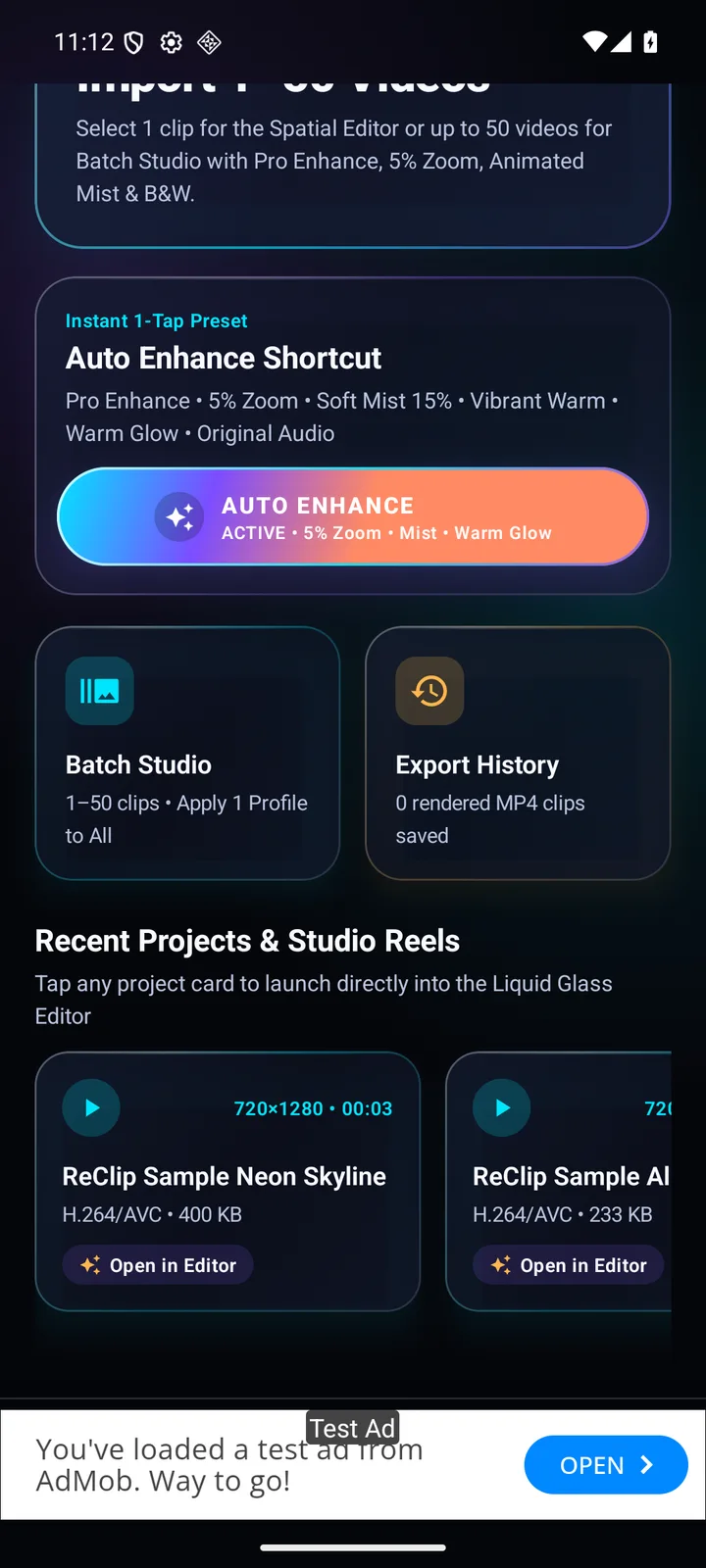
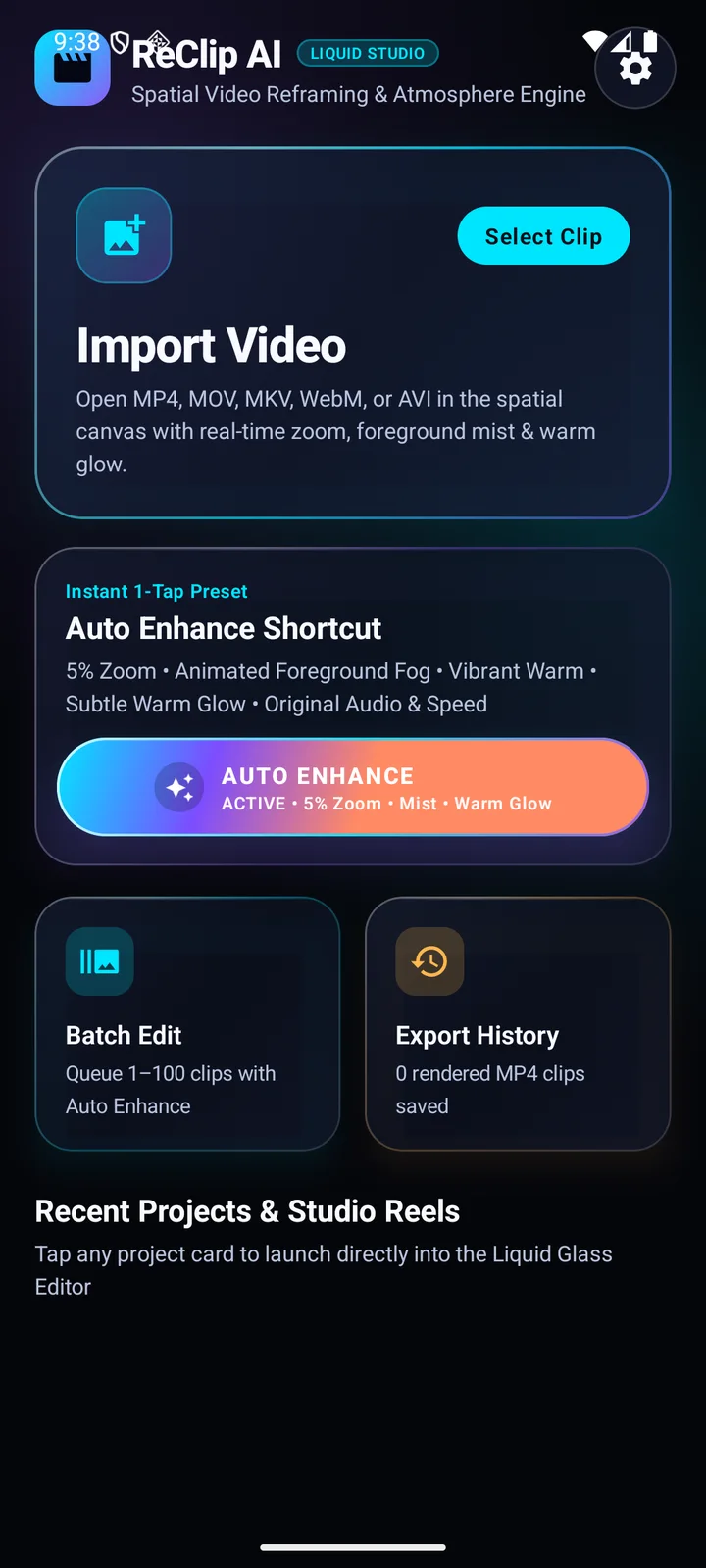
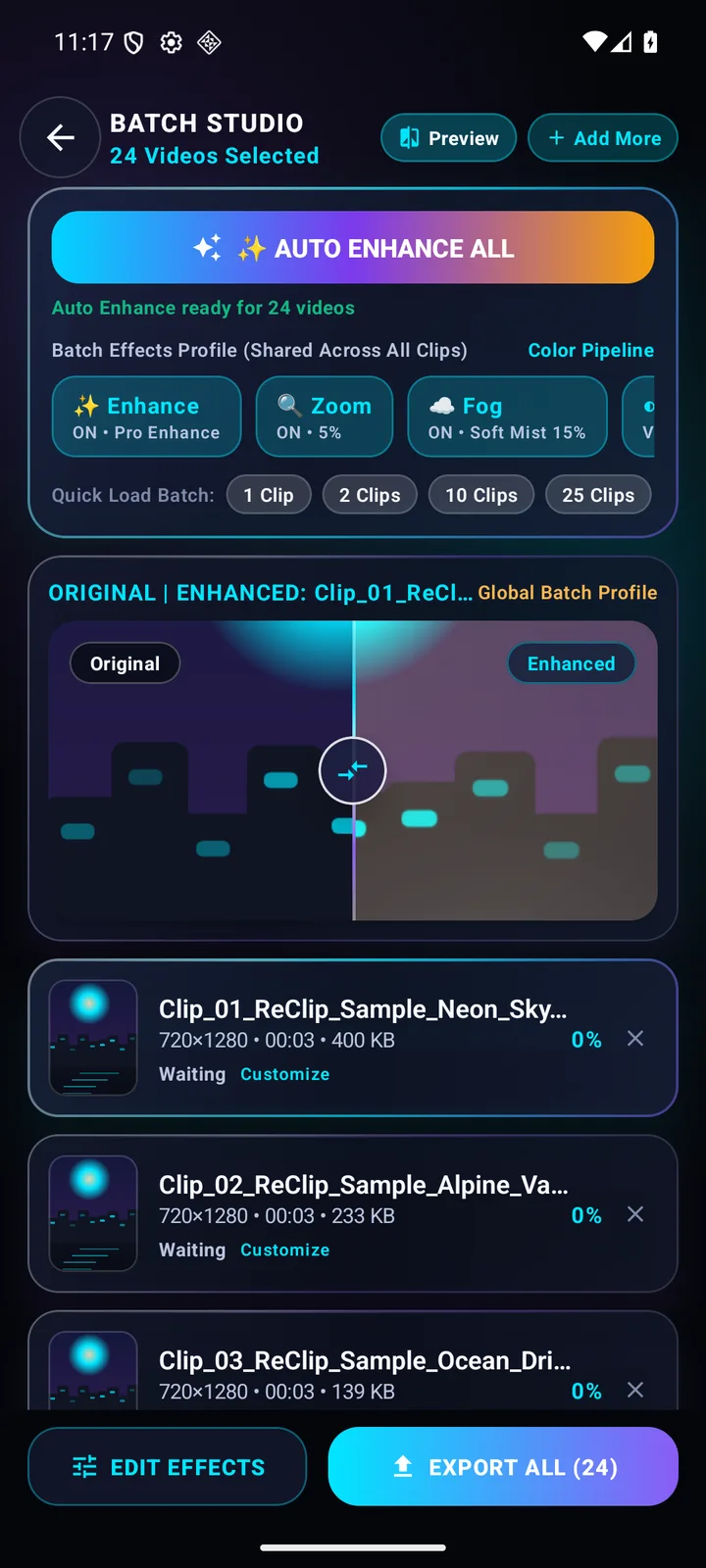
An Android video editor with one-tap enhancement and adjustable zoom, fog, color filters and glow. A before-and-after preview helps creators refine the look, while batch editing applies a consistent treatment across multiple videos.
Key features
- Auto Enhance shortcut
- Before-and-after comparison
- Adjustable visual effects
- Batch video editing and export history
From start to finish
How it works
Import a video from your device or add several to a batch.
Apply Auto Enhance, then adjust the zoom, fog, filter, glow and audio controls.
Compare the original and edited preview, then export and find the result in export history.
Inside the application
A closer look
Actual screenshots from the application. Select an image to see the full capture.
Your next chapter starts here
Have an idea? Let’s build it.
Tell us what you have in mind. We’ll help you find the right way forward.