Cast Focus — Episode Scene Finder
Find the cast. Keep the scenes that matter.
What it does
A desktop module inside PeachClips that finds scenes featuring a selected face or couple in an episode. It scans the local video, groups detected portraits and lets users review matching time ranges before exporting individual clips and a merged video. Optional local captions can be generated during export.
Key features
- Local face scanning and portrait grouping
- Single-face, either-face and together matching
- Scene previews with editable selection
- Individual clips, merged MP4 and optional captions
How it works
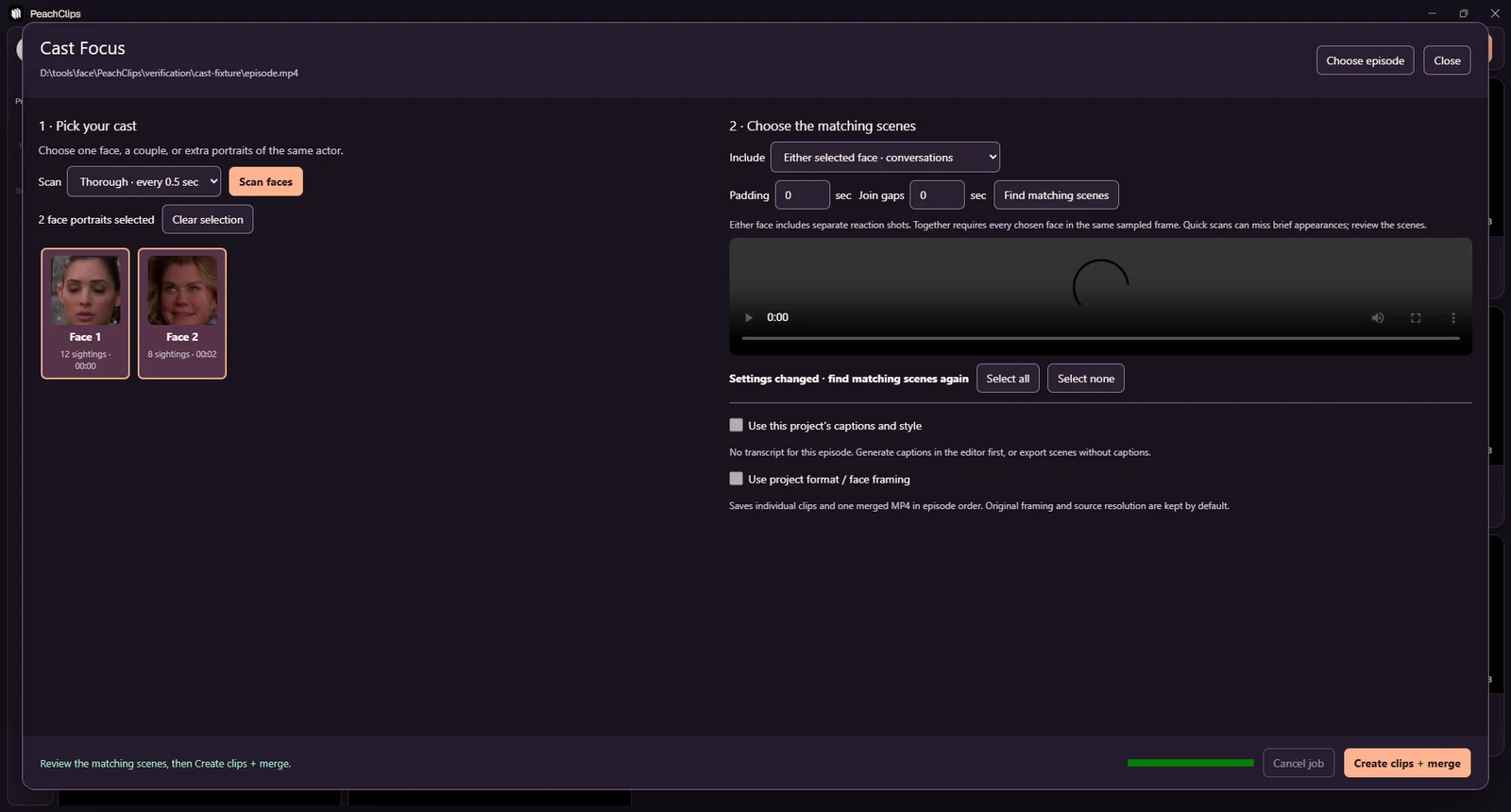
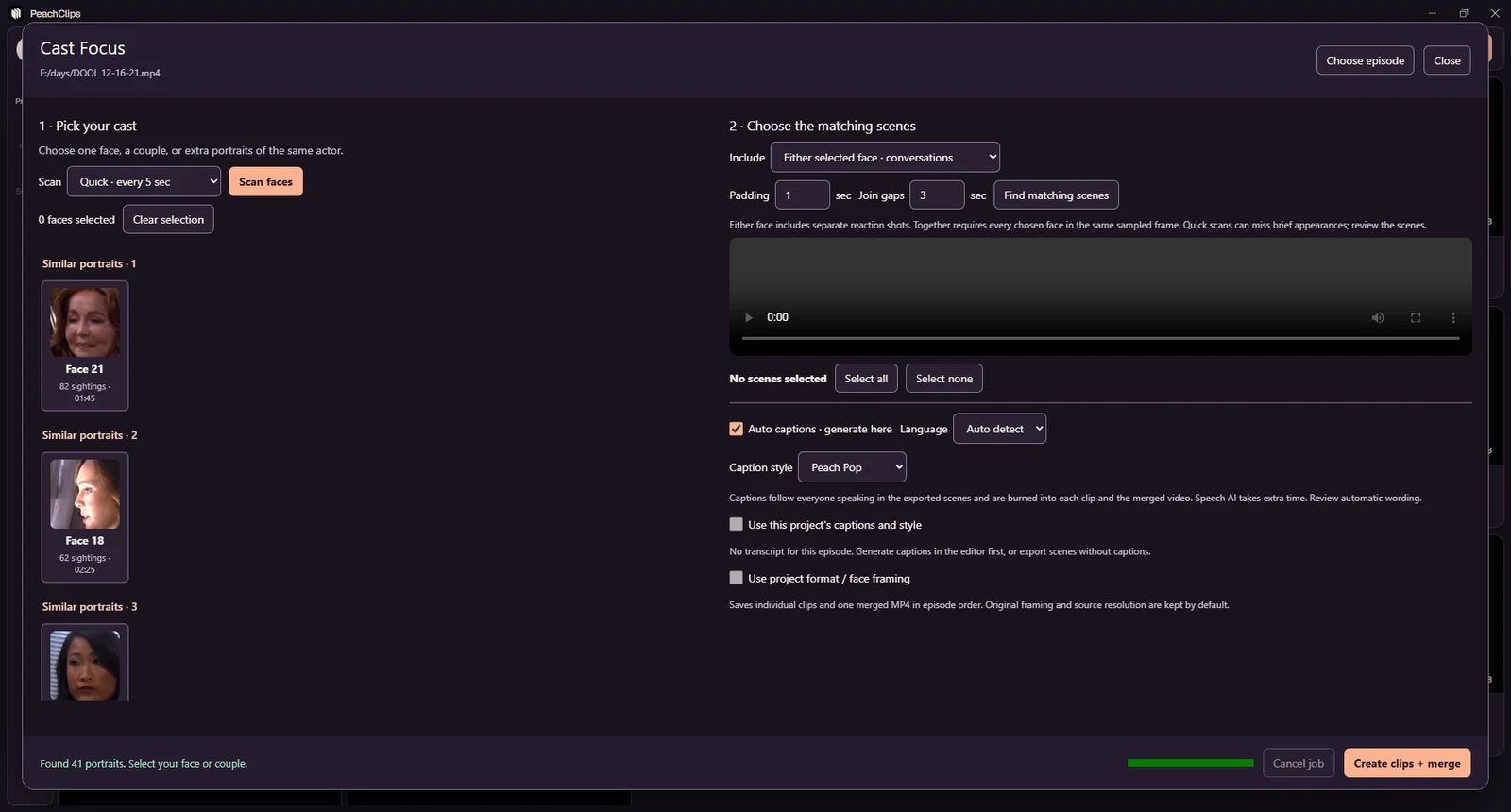
Open Cast Focus in PeachClips, choose an episode and scan for faces.
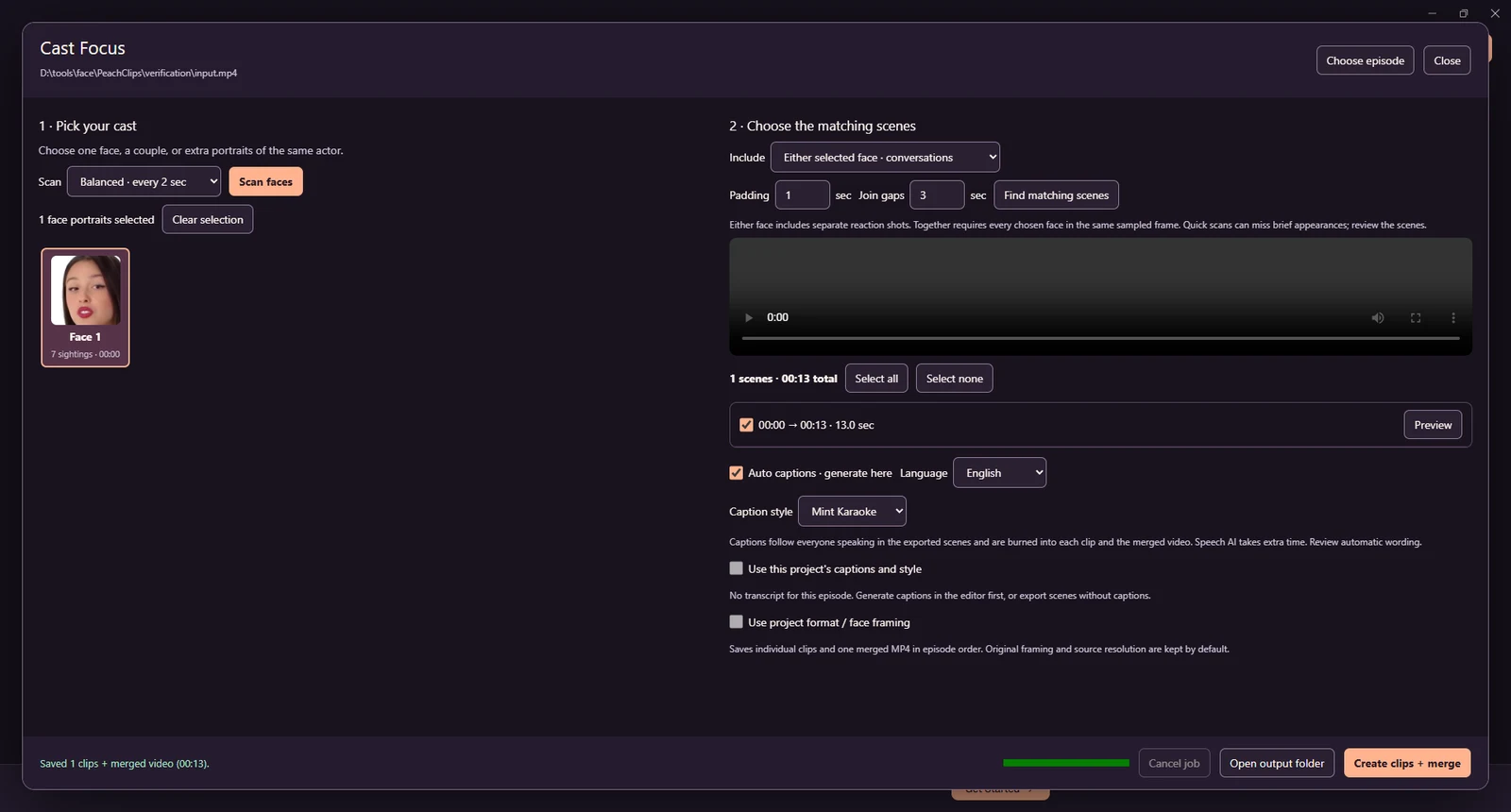
Select one face or a couple, choose either-face or together matching, then review the suggested scene ranges.
Uncheck unwanted scenes, optionally enable captions, and create individual MP4 clips plus a merged video.
A closer look
Saved captures of the Cast Focus module in PeachClips. Face matching uses sampled frames; review the suggested scenes before exporting. Select an image to see the full capture.
Have an idea? Let’s build it.
Tell us what you have in mind. We’ll help you find the right way forward.